We use cookies to make your experience better.
To comply with the new e-Privacy directive, you agree to the privacy policy and our use of cookies.

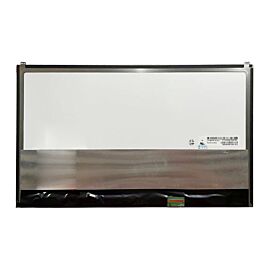
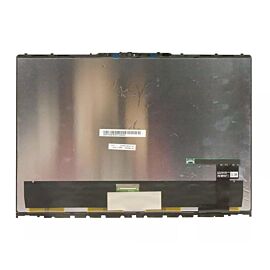
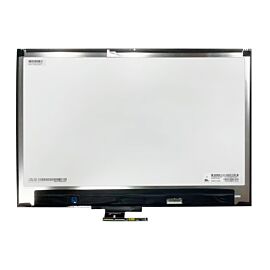
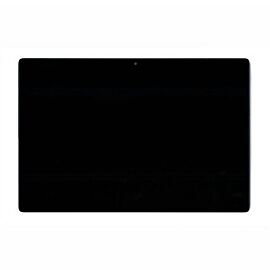
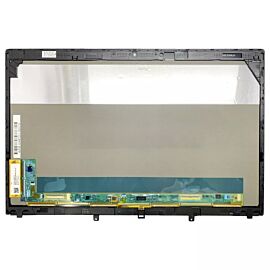
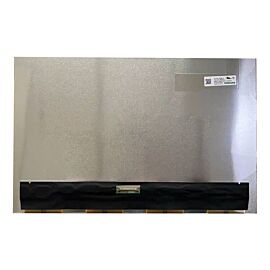
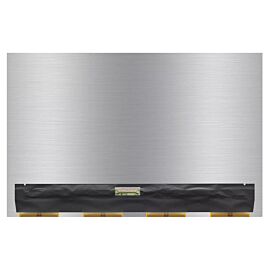
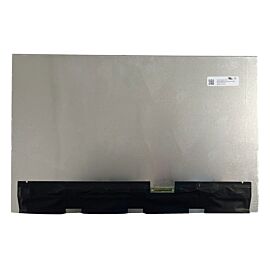
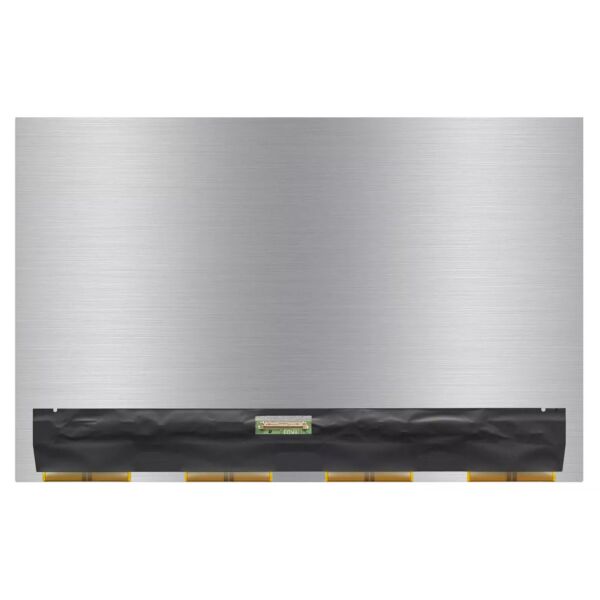
LG gram Style 14 Inch 14Z90RS OLED Laptop WQXGA+ 2880x1800 90Hz OLED Non-Touch Panel
SKU
LPLG-14Z90RS-SERIES
$189.75
In stock
Main specifications
Compatible Brand: LG Compatible Model: LG gram Style 14 Inch 14Z90RS OLED Laptop Size: 14 inch Resolution: WQXGA+ 2880x1800 Refresh Rate: 90Hz Connector: 40 Pins Screen Type: OLED Touch Screen: Non-TouchPlease double check your screen model, resolution, refresh rate, connector type, size, and touch panel. If you need an exact screen model, please take a complete photo of the back of your old screen and send it to us; otherwise, we may send you a compatibility model.

| SKU | LPLG-14Z90RS-SERIES |
|---|---|
| Keyword | LG gram Style 14 Inch 14Z90RS OLED Laptop |
| Brand | LG |
| Laptop Series | LG gram Style 14 |
| Screen Type | OLED |
| Manufacturer | LG |
| Size | 14 inch |
| Resolution | WQXGA+ 2880x1800 |
| Brightness | 400 cd/m² |
| Contrast Ratio | 100000:1 |
| Refresh Rate | 90Hz |
| Touch Screen | Non-Touch |
| Viewing Angle | 85/85/85/85 |
| Screen Color | 1.07B 100% sRGB |
| Video Signal Connector | 40 Pins |
Replacement parts for your PC laptop model to fix Replacement Screen For LG gram Style 14 14Z90RS SERIES 14 inch WQXGA+ 2880x1800 60Hz OLED Without Touch, UPLCD.com offers the best prices on Laptop and Notebook Screens.
Professional installation is highly recommended!
Since the screen is fragile, We strongly suggested that testing the screen first before installation, Don't remove protective film or tags when testing. You just connect the LCD with your motherboard by the connector. If it doesn’t work, please contact us at the very first time. Please be noted that we won’t be responsible for any damage caused by your improper installation.
Please kindly leave your FULL NAME and PHONE NUMBER for shipping. And your ZIP CODE must match with your CITY NAME.
Professional installation is highly recommended!
Since the screen is fragile, We strongly suggested that testing the screen first before installation, Don't remove protective film or tags when testing. You just connect the LCD with your motherboard by the connector. If it doesn’t work, please contact us at the very first time. Please be noted that we won’t be responsible for any damage caused by your improper installation.
Please kindly leave your FULL NAME and PHONE NUMBER for shipping. And your ZIP CODE must match with your CITY NAME.
Customer Questions