We use cookies to make your experience better.
To comply with the new e-Privacy directive, you agree to the privacy policy and our use of cookies.

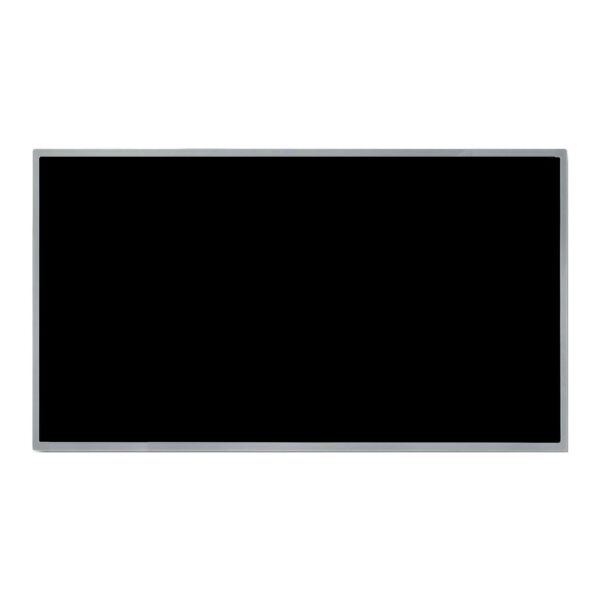
Alienware X16 R2 P120F007 P120F008 FHD+ 1920x1200 480Hz IPS Non-Touch Panel
SKU
DEAL-X16-R2-480Hz
$200.98
In stock
Main specifications
Compatible Brand: Alienware Compatible Model: Alienware X16 R2 P120F007 P120F008 Size: 16 inch Resolution: FHD+ 1920x1200 Refresh Rate: 480Hz Connector: 40 Pins Screen Type: IPS Touch Screen: Non-TouchPlease double check your screen model, resolution, refresh rate, connector type, size, and touch panel. If you need an exact screen model, please take a complete photo of the back of your old screen and send it to us; otherwise, we may send you a compatibility model.

| SKU | DEAL-X16-R2-480Hz |
|---|---|
| Keyword | Alienware X16 R2 P120F007 P120F008 |
| Brand | Alienware |
| Laptop Series | Alienware X16 |
| Model Number | Dell Alienware x16 R2 P120F P120F007 P120F008 Laptop |
| Screen Type | IPS |
| Size | 16 inch |
| Resolution | FHD+ 1920x1200 |
| Brightness | 300 cd/m² |
| Refresh Rate | 480Hz |
| Touch Screen | Non-Touch |
| Screen Color | 16.7M 100% DCI-P3 |
| Video Signal Connector | 40 Pins |
Replacement parts for your PC laptop model to fix Replacement Screen For Alienware X16 R2 16 inch FHD+ 1920x1200 480Hz, UPLCD.com offers the best prices on Laptop and Notebook Screens.
Professional installation is highly recommended!
Since the screen is fragile, We strongly suggested that testing the screen first before installation, Don't remove protective film or tags when testing. You just connect the LCD with your motherboard by the connector. If it doesn’t work, please contact us at the very first time. Please be noted that we won’t be responsible for any damage caused by your improper installation.
Please kindly leave your FULL NAME and PHONE NUMBER for shipping. And your ZIP CODE must match with your CITY NAME.
Professional installation is highly recommended!
Since the screen is fragile, We strongly suggested that testing the screen first before installation, Don't remove protective film or tags when testing. You just connect the LCD with your motherboard by the connector. If it doesn’t work, please contact us at the very first time. Please be noted that we won’t be responsible for any damage caused by your improper installation.
Please kindly leave your FULL NAME and PHONE NUMBER for shipping. And your ZIP CODE must match with your CITY NAME.
Customer Questions